If Iconic Sales Booster is part of how your store drives average order value today, this matters more than the average WordPress news cycle. IconicWP isn’t switched off, but the standalone brand is over. On May 12, 2026, iconicwp.com began redirecting to Liquid Web, and Iconic plugins are being absorbed into the Kadence Shop Kit. Your existing setup still runs. However, the promotional plugin you’re depending on now lives inside someone else’s roadmap.
For stores that rely on Sales Booster’s Frequently Bought Together blocks, “Customers Also Bought” widgets, and checkout order bumps, the timing is what bites. The next two quarters are the highest-promotion windows on the calendar (Father’s Day, Back to School, Halloween, Black Friday, Cyber Monday, Christmas). A bundled-and-deprioritized plugin entering Q4 with a slow update cadence is the worst time to discover you needed a backup plan.
This guide covers what happened with IconicWP and what’s actually at risk if Sales Booster slows down. Furthermore, we show you how Advanced Coupons covers the same revenue jobs through a sharper mechanism (plus loyalty and gift cards Sales Booster never reached).
What Happened To IconicWP On May 12, 2026
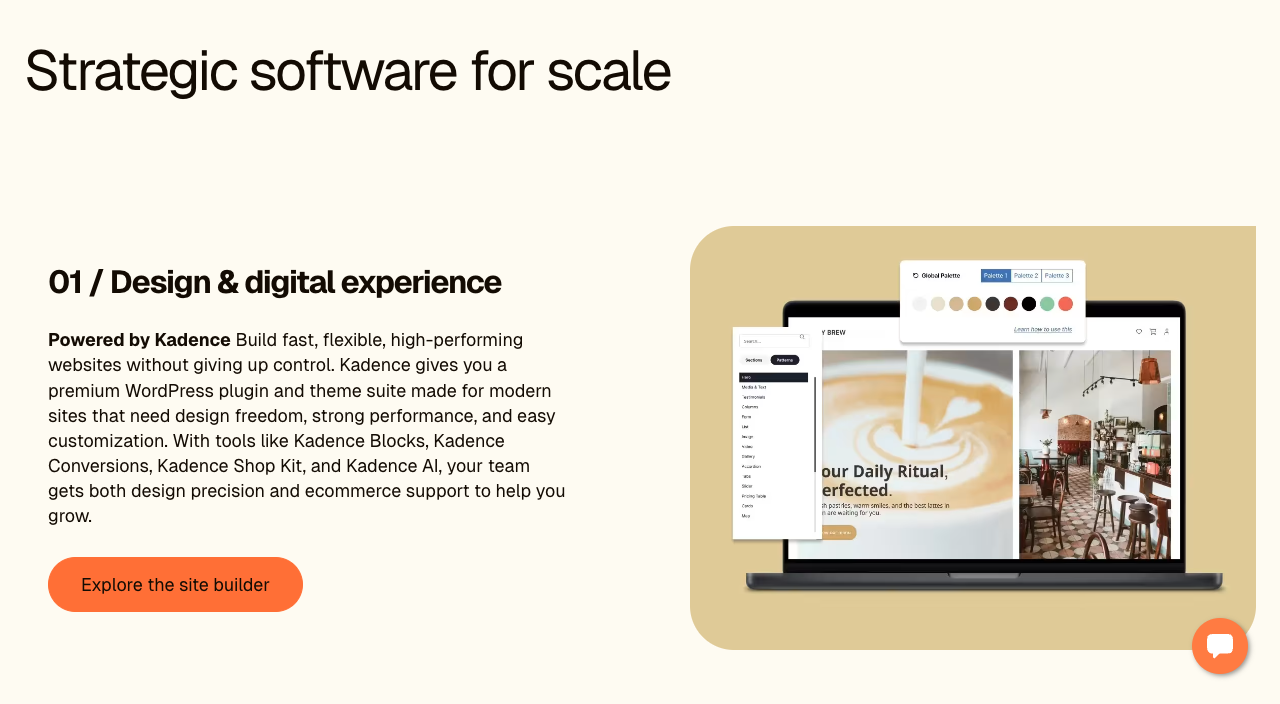
IconicWP has been folded into Liquid Web alongside the rest of the StellarWP brand family. As of May 12, 2026, anyone visiting iconicwp.com is redirected to Liquid Web’s hosting site. The same thing happened to standalone sites for Kadence, LearnDash, GiveWP, The Events Calendar, and several others. PiunikaWeb covered the consolidation the same day, noting that StellarWP’s plugin portfolio is being concentrated into four core products (Kadence, LearnDash, The Events Calendar, and Give), with IconicWP’s plugins being absorbed into the Kadence Shop Kit.
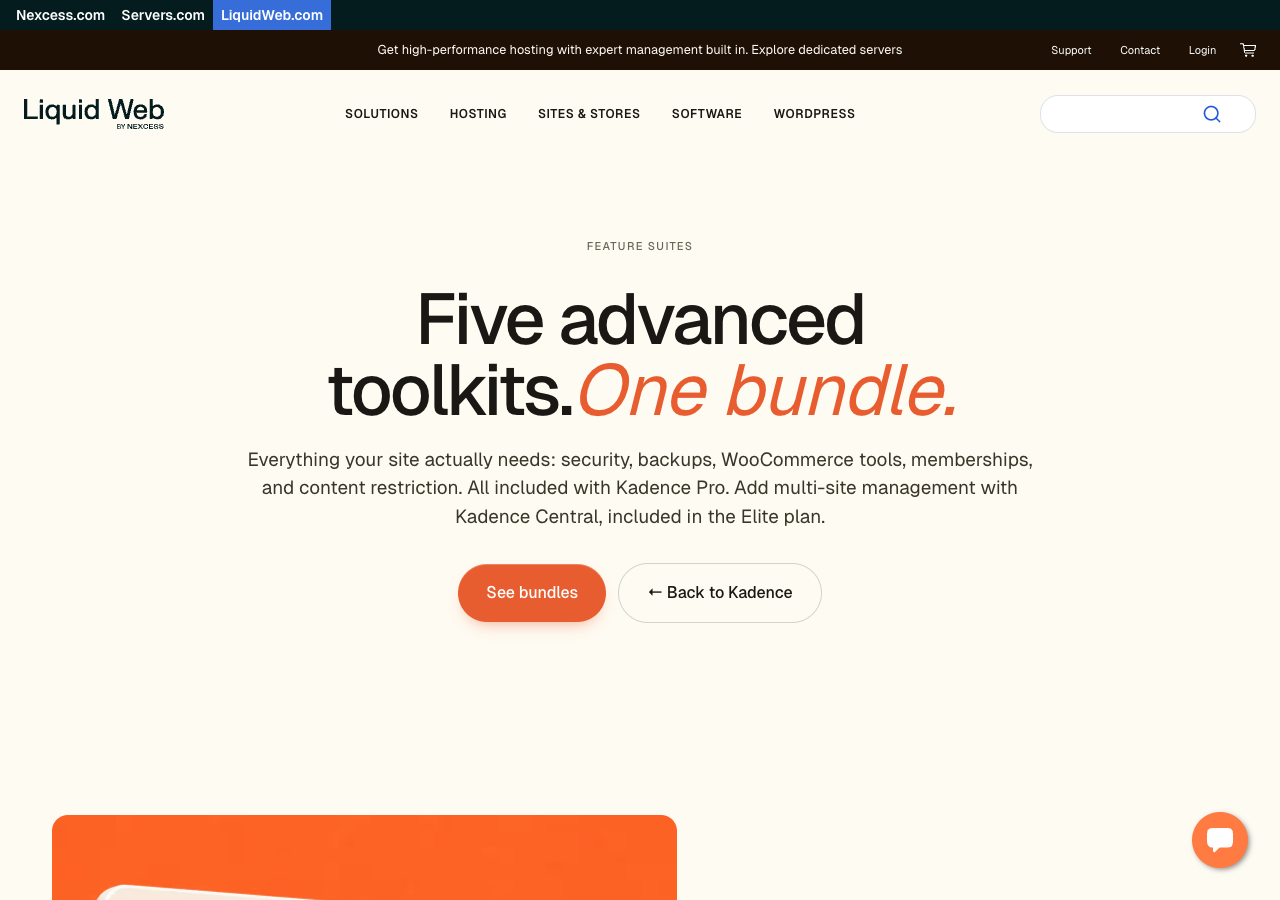
For Sales Booster users, the operational reality lands in three places. License renewals, support tickets, and update downloads now route through software.liquidweb.com instead of iconicwp.com. Old portal links redirect to the new portal, which has created some friction in the first 48 hours. And the standalone IconicWP roadmap (the one that used to ship Sales Booster updates on a predictable cadence) is now one of several roadmaps competing for attention inside a larger product family.
What This Means For Iconic Sales Booster Specifically
Iconic’s Sales Booster for WooCommerce is a tricky plugin to absorb cleanly into a bundle. It performs several distinct revenue tasks (FBT recommendations, complementary product widgets, checkout order bumps, post-purchase upsells). Each of those tasks has tuning details that store owners spend real time getting right. When that level of granularity becomes one feature inside Kadence Shop Kit, a few things start to drift:
- Conversion-impacting bugs ship slower. A widget that shows the wrong product or fails to render on mobile is a high-priority fix for a standalone plugin team. Inside a bundle, the same bug sits in a longer queue.
- A/B test wins risk vanishing. Many Sales Booster users have spent quarters tuning which products get recommended together, what discount threshold the FBT block fires at, and how the checkout bump is worded. None of that configuration is portable to a different plugin. Every quarter you wait to plan a migration to an Iconic Sales Booster alternative is a quarter of compounded tuning you’ll have to redo under pressure.
- Q4 timing is unforgiving. Migration windows during the holiday quarter are narrow. The right time to test alternatives is Q2 (now), not the week before Black Friday when a rendering bug surfaces and Iconic’s old support team is no longer the one answering.
How Advanced Coupons Replaces Iconic Sales Booster’s Promotional Tools
Advanced Coupons covers much of the same revenue ground Iconic Sales Booster used to, through a different mechanism (discount engineering, urgency, loyalty, and labels rather than passive cross-sell widgets). If you’re building an upsell funnel for WooCommerce, the swap is a net upgrade because it gives finer control over what triggers a recommendation and what the customer actually receives when they take it.
Here is where the feature lines actually meet.
BOGO deals replace “Buy this, get that” cross-sells
Iconic Sales Booster’s “Frequently Bought Together” blocks suggest complementary products on the product page. Advanced Coupons’ BOGO (Buy X Get X) deals do the same revenue job with a discount-based mechanism. A customer adding a coffee machine to the cart can automatically trigger a half-price filter offer, with the discount applied at checkout. The conversion lift comes from the same psychology, but with a stronger incentive than a passive widget.
You can scope BOGO rules to specific products, product categories, or any-product triggers. Compared to a static “Customers Also Bought” widget, you control exactly which products are eligible, how often the deal can apply per order, and what discount structure runs (free item, percentage off, fixed price). Our guide on effective upselling strategies walks through the patterns that move the needle on AOV.
Cart conditions replace checkout order bumps
Iconic Sales Booster’s checkout order bumps surfaced an additional product offer right before payment, functioning as a simple click upsell funnel. Advanced Coupons handles this through cart conditions: when a cart meets a defined rule (minimum spend, specific category, particular product combination, customer role), a coupon auto-applies or an offer unlocks. The trigger logic is more flexible because rules can combine, and the customer sees the result as a real discount rather than a “do you want to add this?” prompt.
For more on this pattern in practice, see our cart total condition feature explainer.
Advanced Promo Kit replaces sale-badge and labeling overlays
Iconic Sales Booster leaned on “Best Seller,” “New,” and “Hot” label aesthetics to draw the eye to recommended items. Advanced Promo Kit, part of the Advanced Coupons family, does this at the product-card level with custom labels you design, prioritize, and schedule. Labels appear on shop, category, and search pages without needing a separate widget zone, and they integrate cleanly with the rest of your promotional logic.
Loyalty Program and Gift Cards add what cross-sell alone never could
This is the part Iconic Sales Booster never reached. Advanced Coupons Loyalty Program turns one-time buyers into repeat customers by awarding points on purchases. Advanced Gift Cards introduces a new revenue stream for gift purchases and brings new buyers into your store who wouldn’t have arrived otherwise. Cross-sell widgets nudge a single order up by a few dollars. Loyalty and gift cards add ongoing revenue that compounds across the next quarter and beyond. When we’ve compared stores that switched, loyalty adoption alone tends to produce a meaningfully bigger AOV lift over a quarter than the cross-sell widgets it replaced.
Mapping The Rest Of Iconic’s Catalog To Better Replacements
If your store ran multiple Iconic plugins (most do), here’s the practical mapping to help you find the best replacement upsell plugins and conversion tools. The first three swaps below are the ones we’re currently onboarding existing Iconic customers to.
- Iconic WooCommerce Show Single Variations: Switch to Wholesale Suite’s Wholesale Order Form (also from Rymera). Displays variations individually like Show Single Variations did, plus adds bulk ordering, custom table columns, and multiple form layouts.
- Iconic Flux Checkout: Switch to FunnelKit. FunnelKit’s Funnel Builder is a direct replacement that allows you to easily build a click upsell funnel with stronger order-bump tooling on top.
- Iconic Wishlists for WooCommerce: Switch to SaveTo Wishlist (also from Rymera). Same core wishlist functionality, plus guest wishlist support so shoppers can save items without creating an account (items merge into their account when they sign up later).
- Iconic WooCommerce Delivery Slots: No direct Rymera equivalent. Stores running delivery scheduling should evaluate Order Delivery Date for WooCommerce or similar plugins before their next renewal.
- Iconic WooCommerce Attribute Swatches: Native WooCommerce variation swatches blocks now cover most color and image swatch use cases.
- Iconic WooThumbs: Image gallery customization sits outside the Rymera catalog. The WooCommerce default gallery covers most stores’ needs.
A Q2-Friendly Migration Sequence For Promo-Driven Stores
The reason to move in Q2 rather than wait is that promotional migrations require real-world data to validate. You can’t tune new BOGO thresholds during a Black Friday rush; you tune them on calmer traffic, then trust them when volume spikes. Here’s the sequence:
- Map your current Sales Booster setup as a list of revenue jobs, not features. Write down what each widget actually accomplishes (“FBT on coffee makers drives ~12% cart-add lift,” “checkout order bump on filters captures 6% of relevant carts”). This becomes the test plan for the replacement, not a feature checklist.
- Set up Advanced Coupons on staging first. Build one BOGO deal that matches a current FBT widget, one cart condition that matches a current order bump. Confirm the discount math and the trigger logic.
- Run a single live promotion through Advanced Coupons on production. A coupon promo with a clear start/end date is the safest first deployment because the surface area is contained. Watch the conversion numbers before scaling.
- Migrate widget by widget, not all at once. Replace one FBT block with a BOGO rule, watch it run for a week, then move to the next. This isolates the impact of conversion and makes any unexpected drop traceable to a specific change.
- Layer in loyalty and gift cards once the cross-sell-equivalent rules are stable. This is the part Sales Booster never offered, and it’s the layer that turns the migration into a net AOV gain rather than a like-for-like swap.
If you’re unsure whether Advanced Coupons covers your specific Sales Booster setup, the Advanced Coupons support team is onboarding Iconic refugees this week and will walk through your existing promotional logic before you commit.
Frequently Asked Questions From Promo-Driven Store Owners
Can I run Advanced Coupons alongside Iconic Sales Booster during the migration?
Yes. In fact, that’s the recommended approach. The two plugins target different surfaces. Sales Booster injects widgets onto product, cart, and checkout pages. Meanwhile, Advanced Coupons sits in WooCommerce’s coupon and cart systems. You can deploy both, watch the data for one to two weeks, and only deactivate Sales Booster once the equivalent BOGO and cart-condition rules are firing as expected.
Will switching plugins hurt my Black Friday conversion?
Only if you wait until November to switch. Q2 is the right window. By the time peak season hits, the new rules have weeks of real-traffic validation behind them. The risk is leaving the migration until Q4 and discovering a tuning issue while you’re trying to run a flash sale.
Does Advanced Coupons replace WooCommerce Frequently Bought Together widgets specifically?
Not as a passive widget. Advanced Coupons replaces FBT through BOGO deals: when product X is in the cart, an automatic discount on product Y unlocks. The mechanism is different (a discount-triggered offer vs a static recommendation block). However, it captures the same buying psychology. It also tends to convert harder because the customer sees a real price reduction, not a suggestion.
What if I want both a recommendation block AND Advanced Coupons’ promo tools?
Pair Advanced Coupons with WooCommerce’s native cross-sells (built into the variable product editor) or lightweight related-products and upsell plugins. Most stores find the combination of Advanced Coupons’ discount logic and WooCommerce’s native cross-sells covers Sales Booster’s full feature surface at a lower combined cost.
Will my Iconic Sales Booster license still work after the redirect?
Yes for now. Existing licenses continue to validate. License renewal and support tickets now route through software.liquidweb.com. Expect a few weeks of portal friction before the new flow settles.
How does this setup compare to a traditional click upsell funnel?
While multi-step funnels guide users through separate post-purchase pages, Advanced Coupons focuses on instant, in-cart decisions. Both strategies work well. However, cart conditions often provide a faster, frictionless checkout experience.
Move Your Promo Stack Before Q4 Decides For You
IconicWP isn’t dead. Nevertheless, the standalone brand and the support model around it are over. For Sales Booster users, the consolidation under Kadence Shop Kit creates a real reason to evaluate an Iconic Sales Booster alternative now (Q2), not under Black Friday pressure (Q4).
Thankfully, Advanced Coupons handles the same revenue jobs through a sharper mechanism. Moreover, it and adds loyalty and gift cards Sales Booster never had.
Here’s the actionable shortlist:
- Read what actually happened to IconicWP so your team has the facts before customers ask.
- Understand what the change means for Sales Booster specifically to ensure your conversion stack planning is realistic.
- See how Advanced Coupons covers Sales Booster’s revenue jobs before your next license renewal.
- Map your other Iconic plugins to replacements so you have one migration plan, not five.
- Follow the Q2-friendly migration sequence to avoid breaking peak-season conversion.
If Sales Booster has been doing real work for your AOV, the next step is to set up Advanced Coupons on staging this week, with one BOGO deal and one cart condition that matches your current widgets. See Advanced Coupons’ full feature set and pricing, and we’ll help you plan the cutover from there.