
Advanced Coupons for WooCommerce Free includes a coupon type called Send A Coupon. It sends a coupon to your customer by email. To use it, create a new coupon or edit an existing coupon. On the coupon editor dashboard, you will see a Send Coupon button just beside the Add Coupon button

When the button is clicked, a pop-up will show to who you’d like to send the coupon to. If the user is an existing customer select the Existing customer account if it’s a new customer select the New customer (no account) setting

For testing purposes, I’ll select New Customer and send it to a temporary email. Please note that when doing this you have the option to automatically create the user
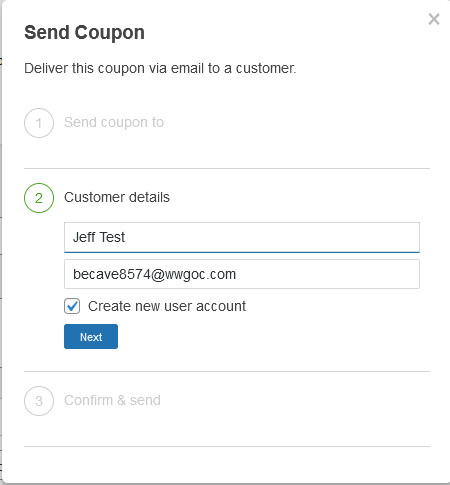
Once that’s done, simply send the email or preview the email
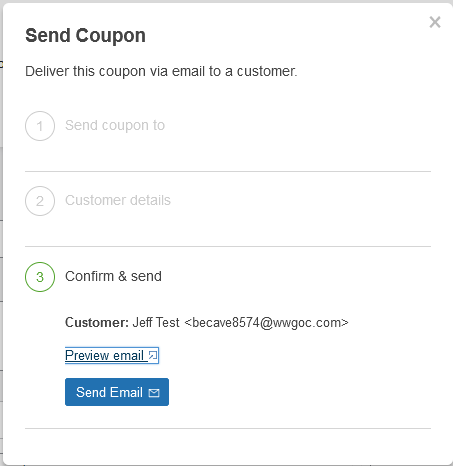
It’ll look something like this on the customer’s or the receives side

Hope this helps! If you have questions just reach out to us here: Support Questions, Pre-sales, Knowledge Base – Wholesale Suite (wholesalesuiteplugin.com)

