
Running a giveaway for your store is a great way to increase attention to your products and grow your audience. But is there a way to grow your audience while also growing your sales? The answer is to use coupons smartly throughout your giveaway. In this article, we’ll show 5
Hey there, we noticed you didn't complete your Advanced Coupons purchase.
We're excited to have you join the Advanced Coupons family! Complete your checkout now & save!
If you have any questions, please reach out to our support team!
Blog
Black Friday Gift Cards: Why Should You Offer Them?
For store owners, Black Friday can either bring in massive earnings or turn into one of the year’s biggest missed opportunities, depending on your preparation. If you’re looking to make the most of this golden opportunity, you might want to think about offering Black Friday gift cards. Selling gift cards
How To Setup An Abandoned Cart Email Sequence (3-Step Guide)
Sending an abandoned cart email sequence is an efficient way to make up for lost sales and convert cold prospects into loyal customers. Recent studies show that e-commerce companies lose $18 billion in annual sales as a result of cart abandonment. There are lots of ways you can explore to
6 Clever Ways To Ask For WooCommerce Customer Reviews ( Full Guide)
Consumers’ buying behavior is heavily influenced by online reviews. 94% of consumers claim to have avoided a company after reading a poor review. So, if you want to keep your store afloat, one of your top goals should be to deliberately gain positive WooCommerce customer reviews. It makes sense from
How To Use Store Credit For A Change Of Mind Refund
Typically, if a customer changes their mind about a purchase, they might not be able to get their money back. This can be frustrating for shoppers, who might turn elsewhere to find better customer service. Fortunately, you can offer store credit to honor a change of mind refund for your
Store Credit Vs Refund: Which Is Best For Your Business?
Returns are a necessary inconvenience whenever you sell products, even online. It’s important to make the process as efficient and hassle-free as possible. So when it comes to issuing a refund, which method is better: store credit vs refund? Considering store credit instead of a more traditional refund offers several
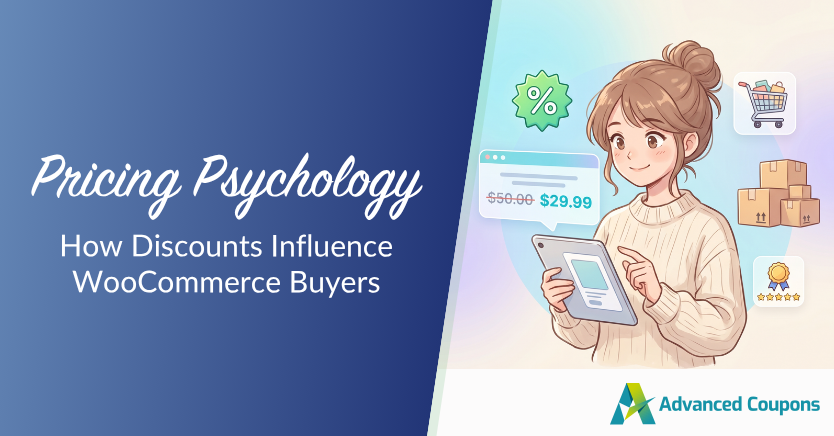
Pricing Psychology: How Discounts Influence WooCommerce Buyers
Picture two identical WooCommerce stores selling the same product at nearly the same effective price. One displays: “$40.00.” The other displays: “$55.00 $39.99 — Save 27%.” Even before doing the math, the second offer often feels more compelling because it gives the shopper a clearer reference point. Why? Because the
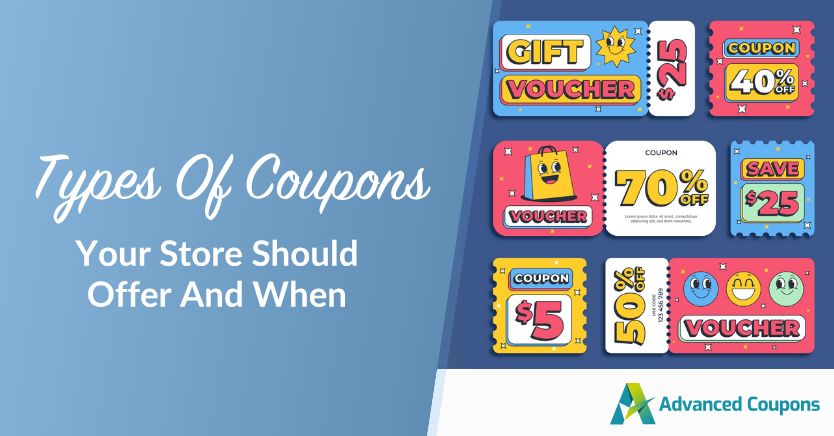
39 Types Of Coupons For WooCommerce Stores (With Setup Guide)
There are dozens of coupon types available to ecommerce stores, including percentage discounts, dollar-off coupons, BOGO deals, free shipping offers, loyalty rewards, and store credits. Each one supports a different marketing goal. You’ve probably already used a few basic coupon campaigns in your WooCommerce store. But the real challenge is
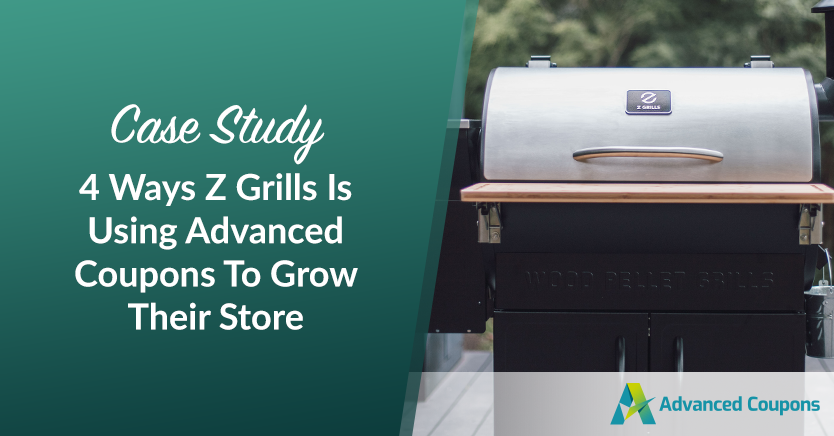
[Case Study] 4 Ways Z Grills Is Using Advanced Coupons To Grow Their Store
Every summer, one of the things I look forward to is barbeque parties. And do you know what makes a barbecue “THE BBQ”? Awesome grills! And here’s where Z Grills stands out! In Australia alone, there are quite a few companies that sell grills. But did you know that one
How To Add WooCommerce Store Credit Balance To Your Store
When you’re running an e-commerce store, you’ll quickly discover that not every customer order is going to work out as planned. Therefore, at some point, you’ll probably want to be able to give store credit to your shoppers. However, WooCommerce doesn’t offer this functionality by default. Still, there are a

